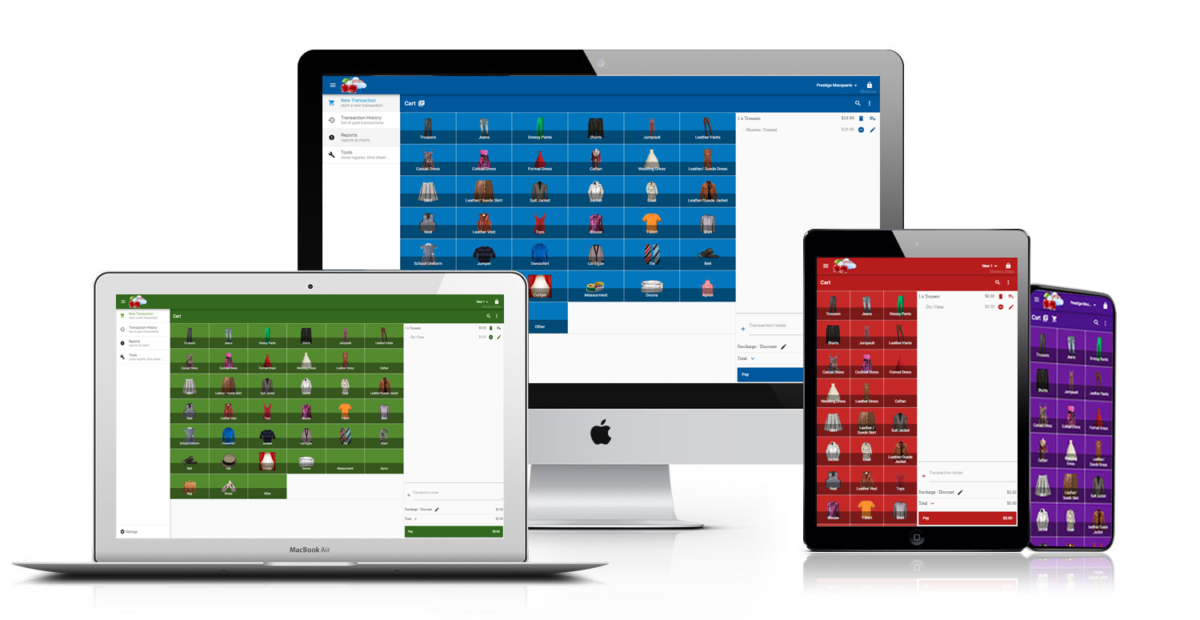
Welcome to the July, 2026 release of features. This is one of our biggest updates yet — we’ve rebuilt the app from the ground up to be faster and more modern, while keeping everything exactly where you expect it. We hope you love the latest improvements in this version. The highlights are as follows:
New Features:
- A Refreshed, Modern Look
- Item Performance Charts
- Email Delivery Tracking
- PDF Preview for Sent Emails
- Employee Data in the API
- Select Multiple Transactions in Transaction History
- Running Totals Under Every Transaction List
- Faster Transaction Filtering
Improvements
A Refreshed, Modern Look
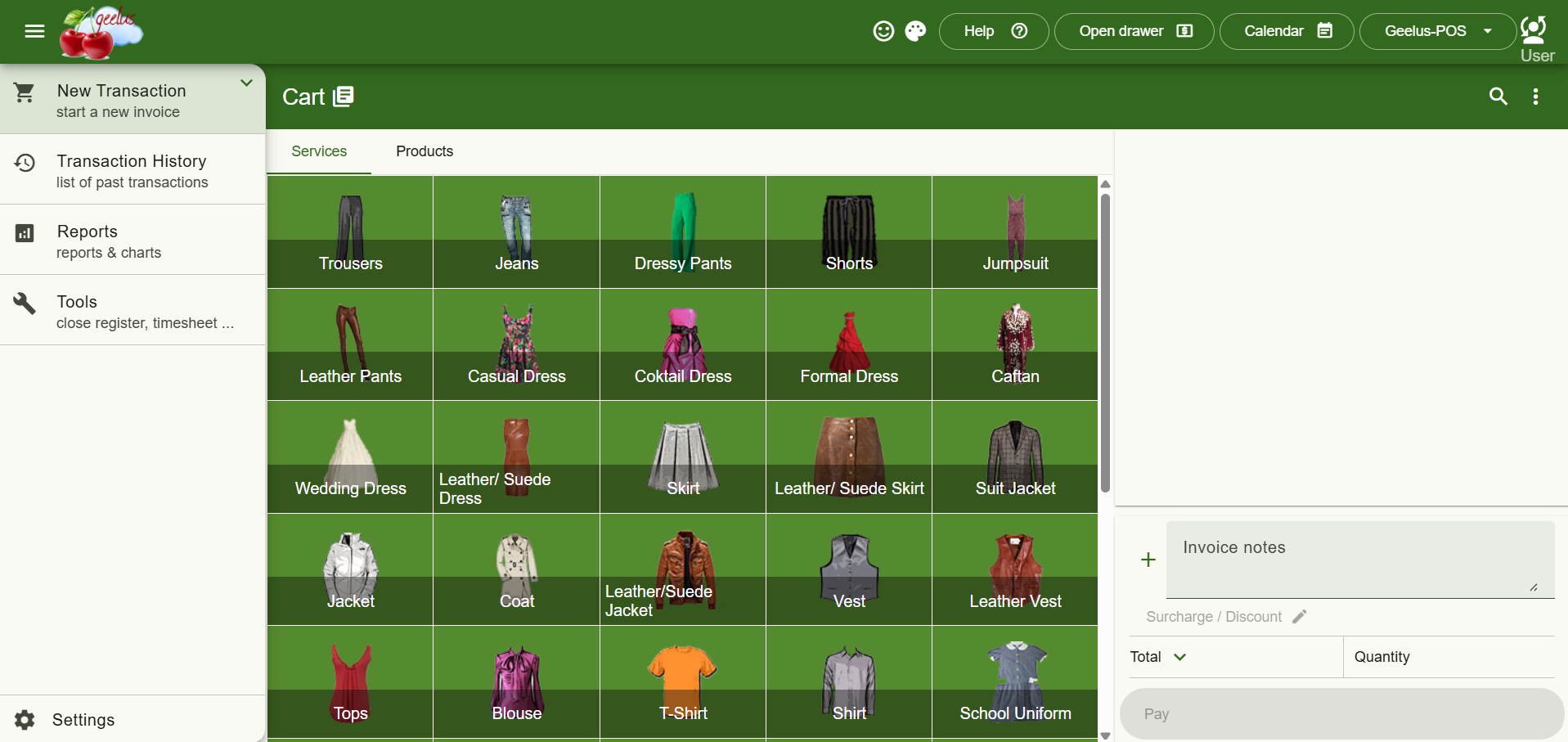
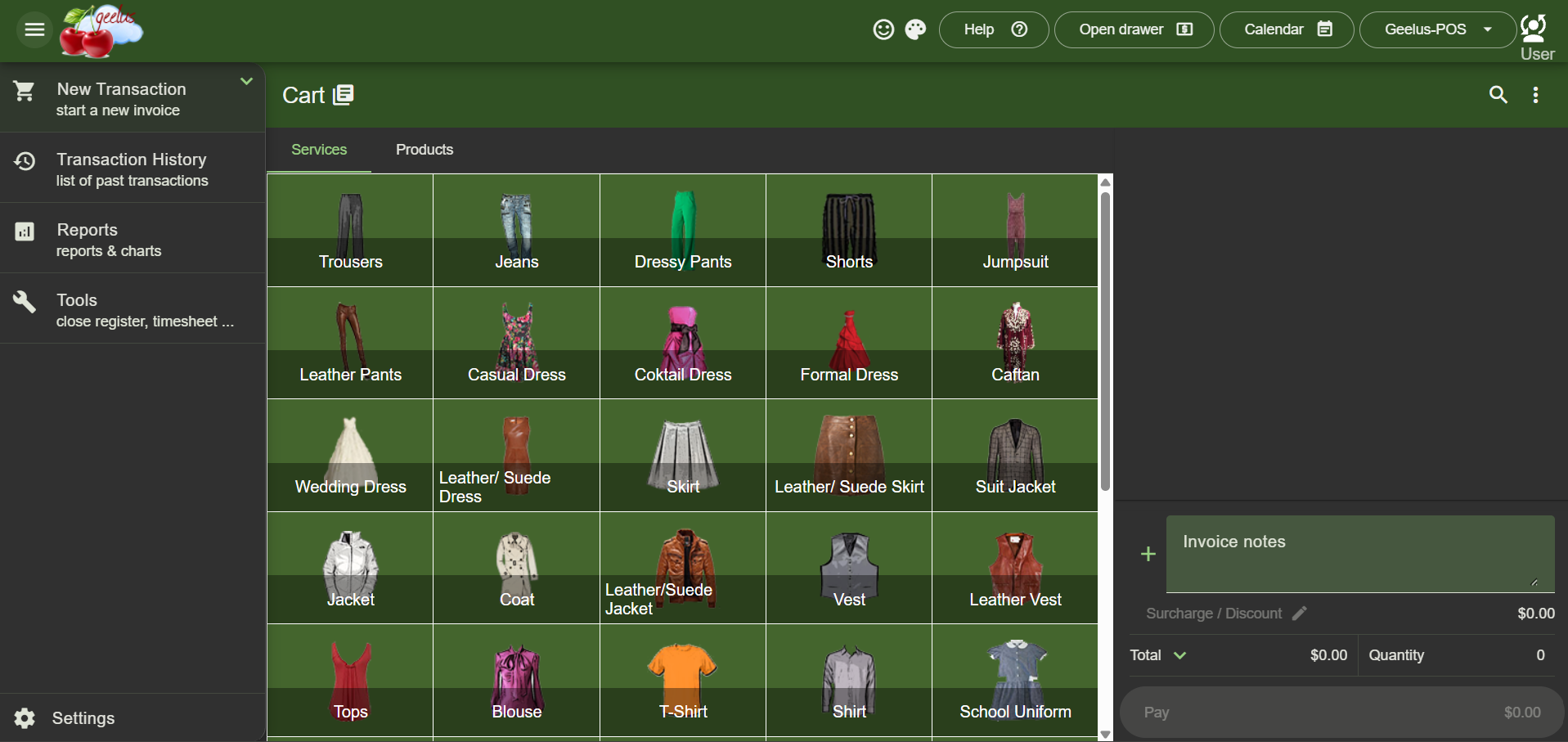
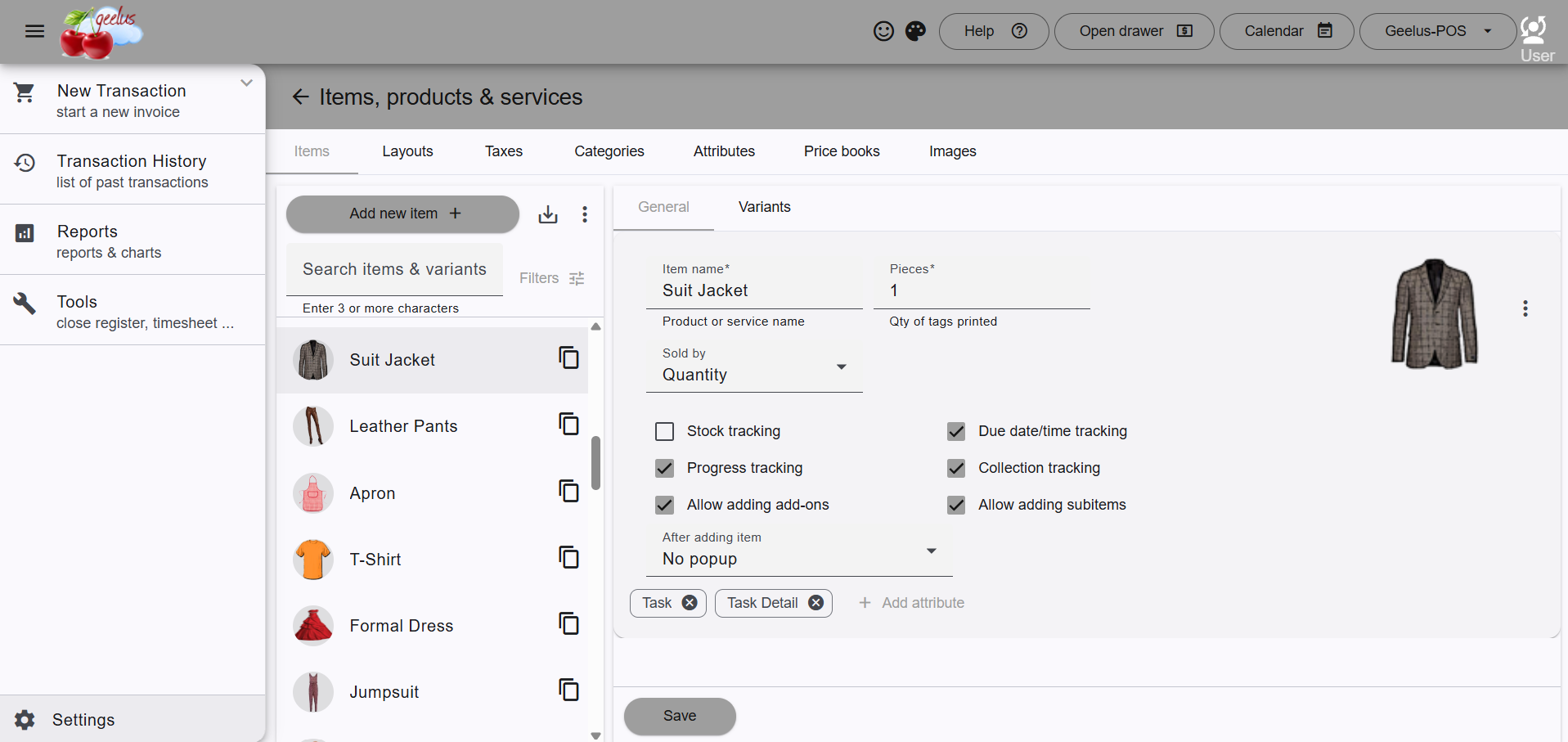
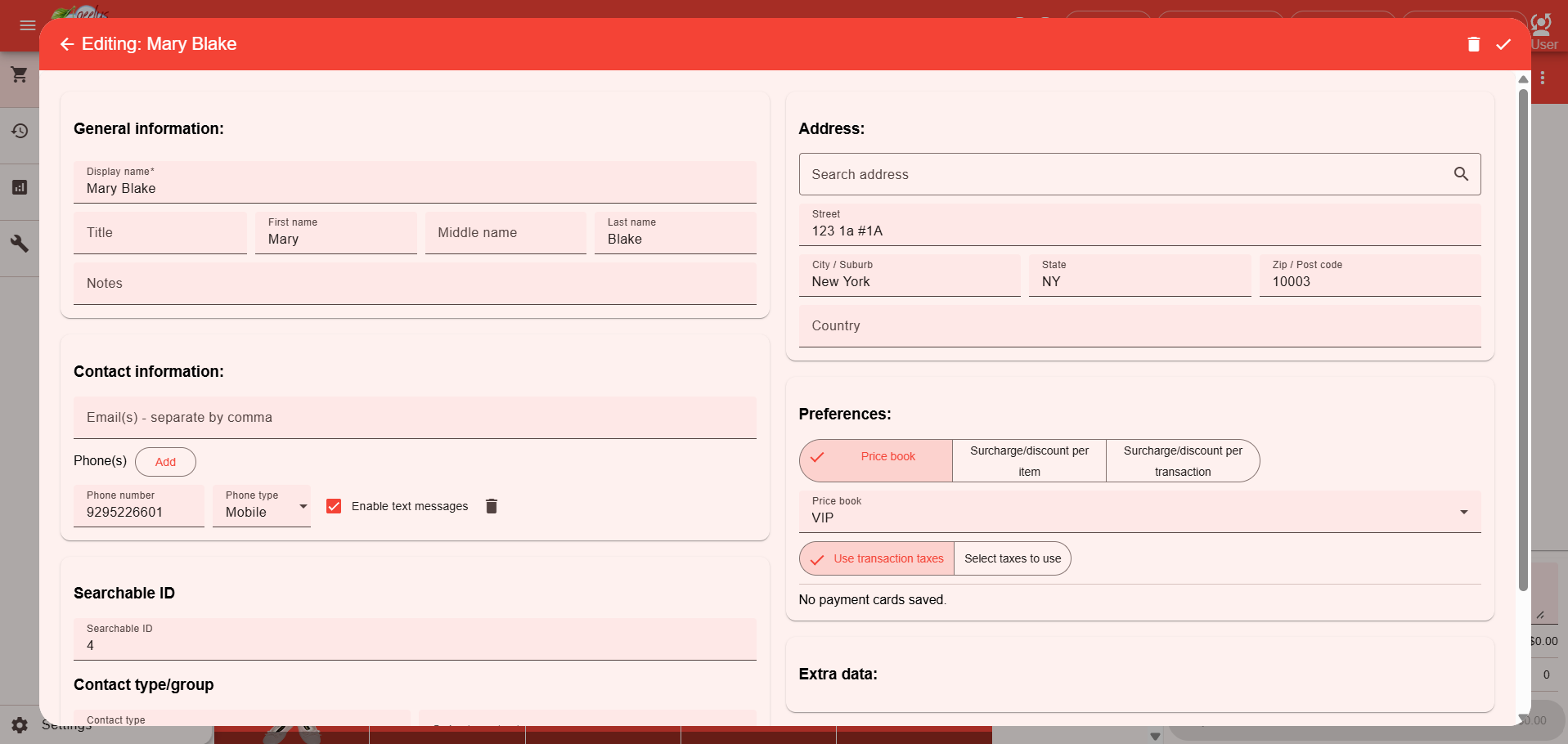
We’ve given the entire app a modern facelift. We’ve modernized buttons, forms, lists and tables across the whole app for a cleaner, more polished experience — all while keeping the layout and your color themes exactly as you know them, so there’s nothing to relearn. If you use dark themes, you’ll also notice they’re now easier to read.
Item Performance Charts
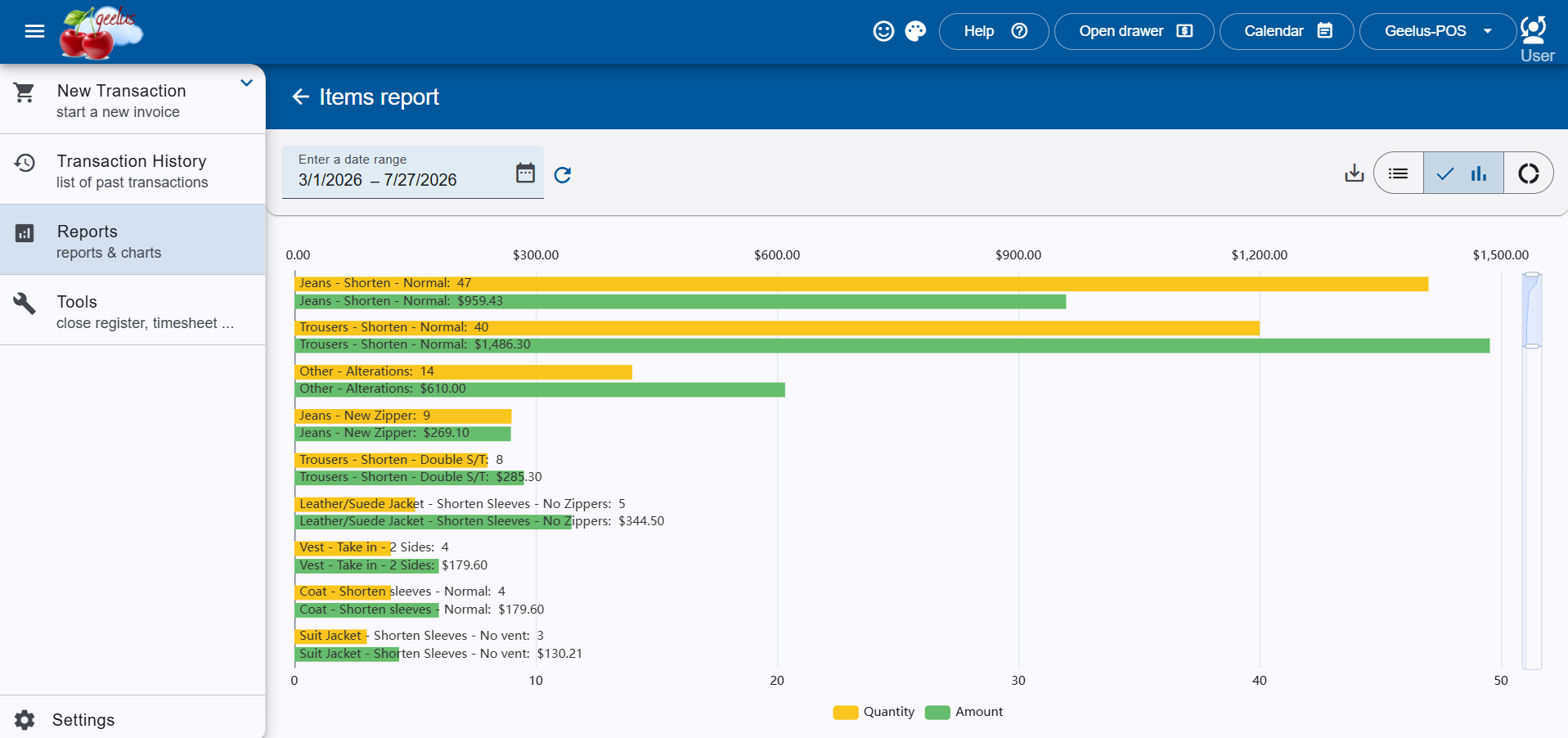
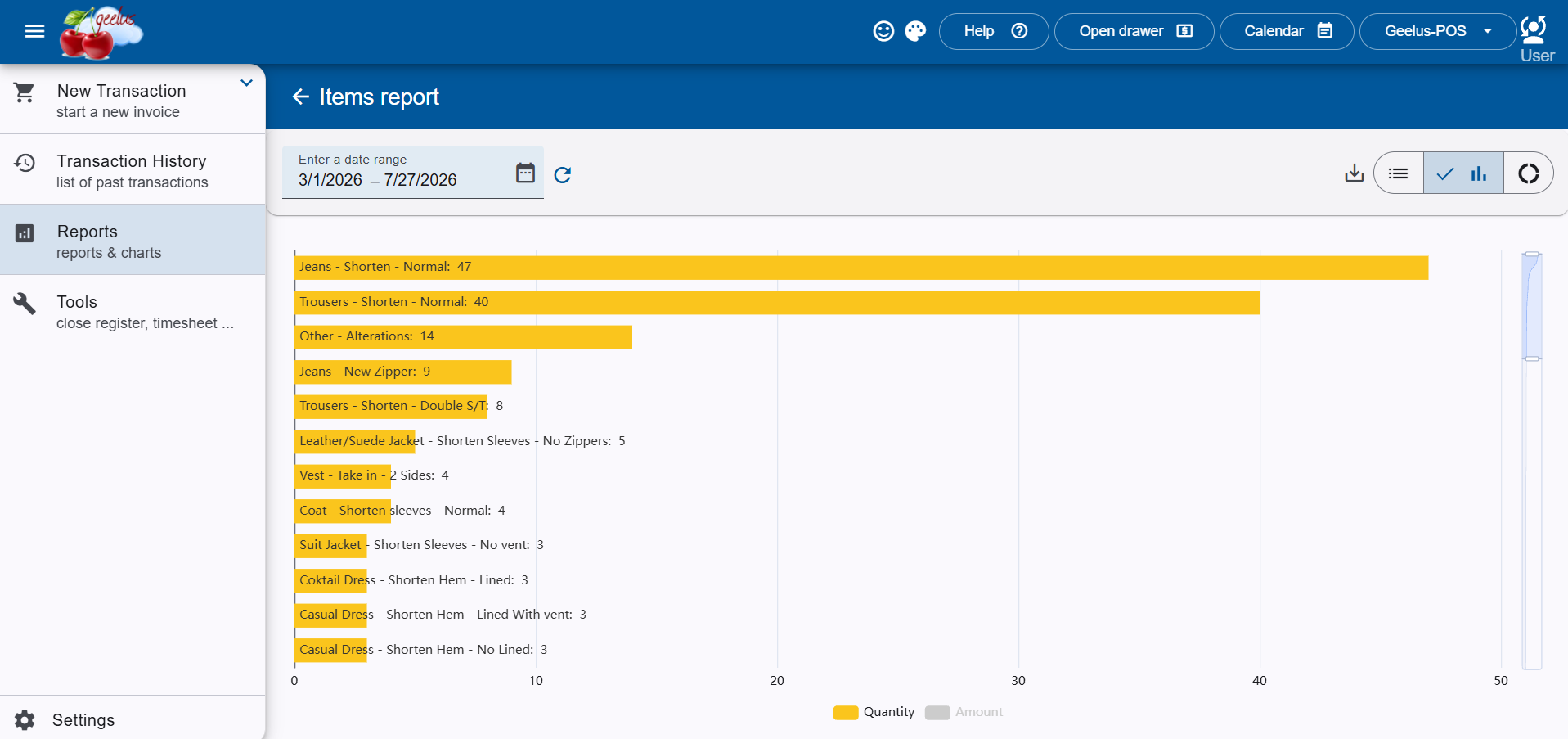
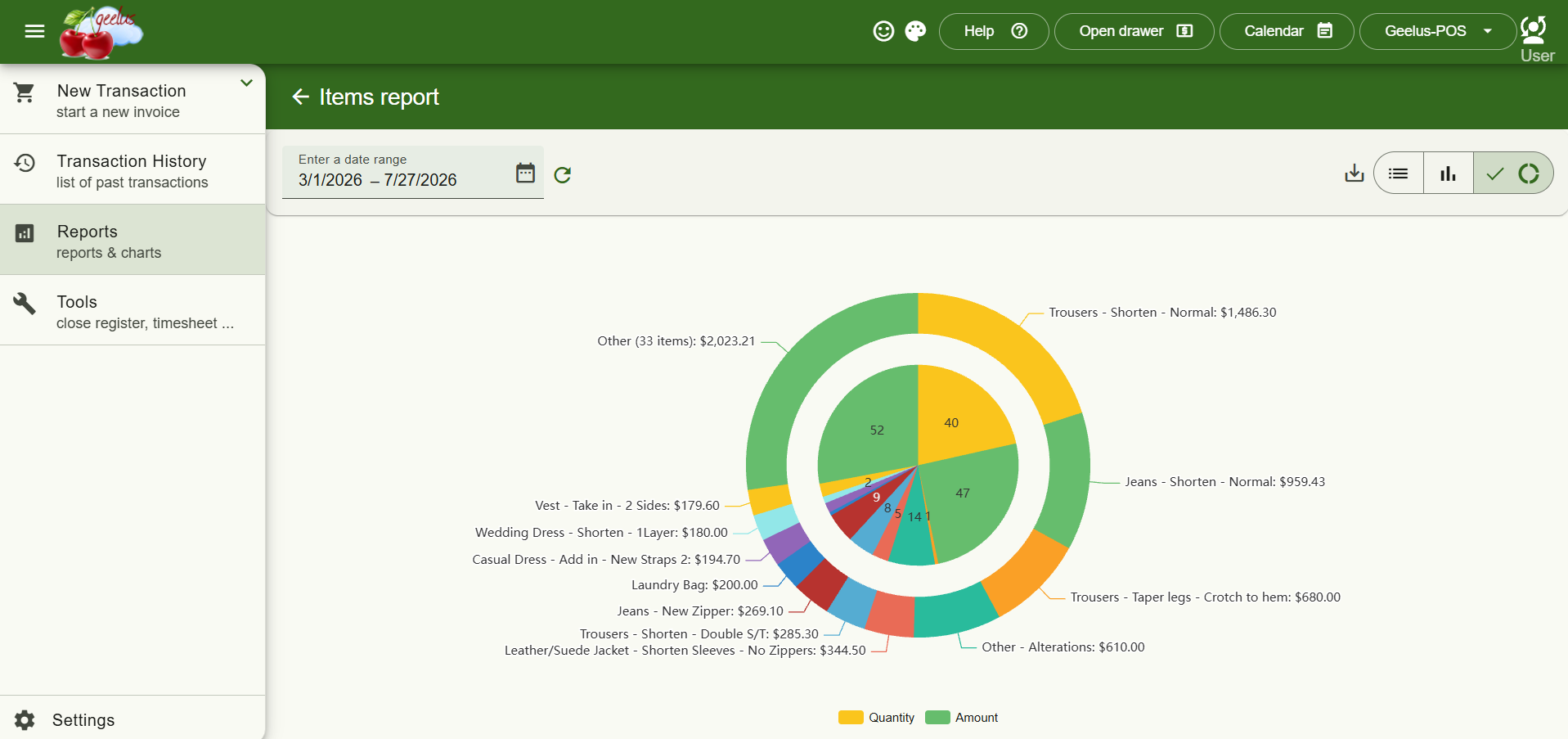
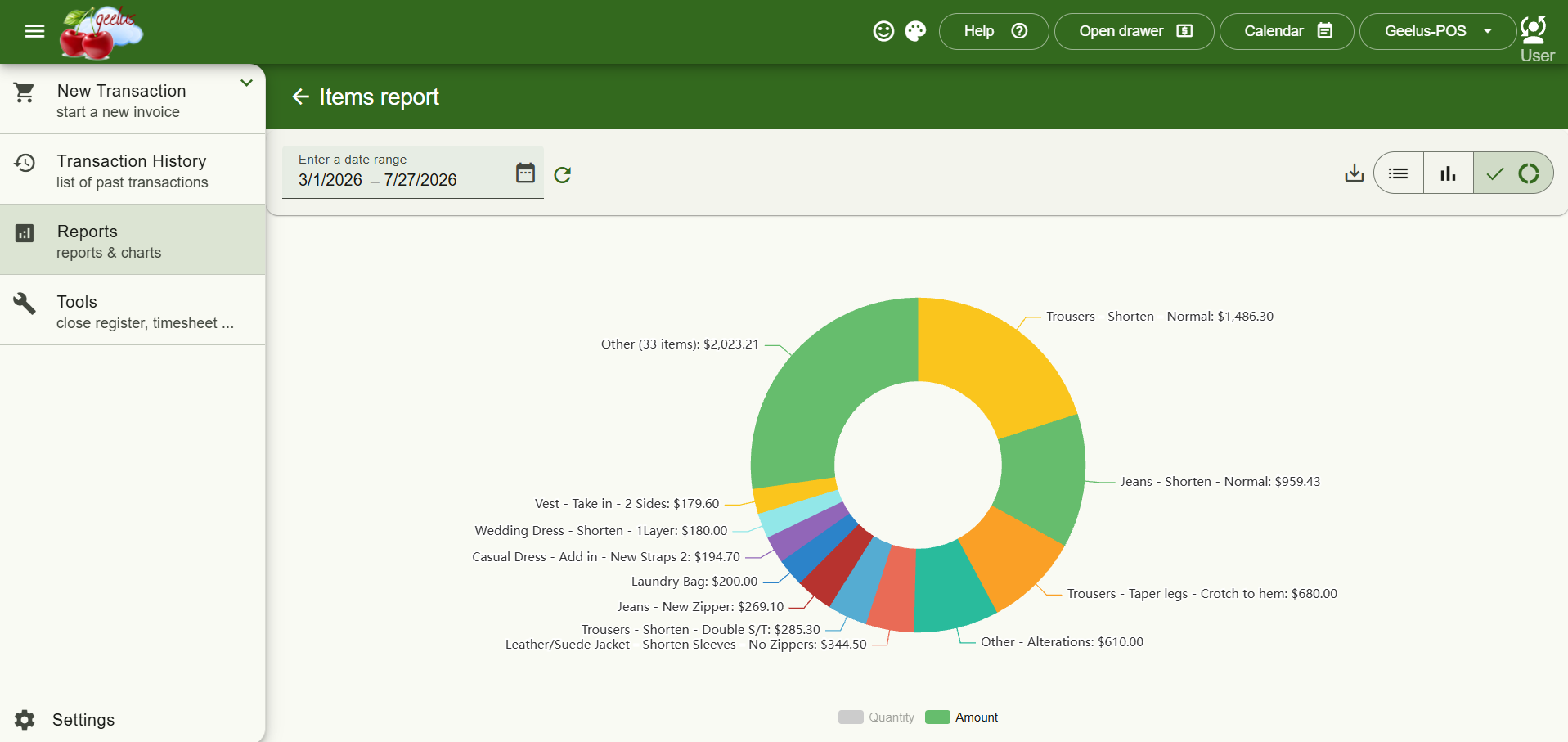
The Items report just got a lot more insightful. Under Reports → Items, you’ll now find interactive bar and doughnut chart views alongside the existing table. You can compare products, services, and variants by quantity sold and total sales amount, view either metric separately or together, and quickly identify your best-performing items for any selected date range.
Email Delivery Tracking
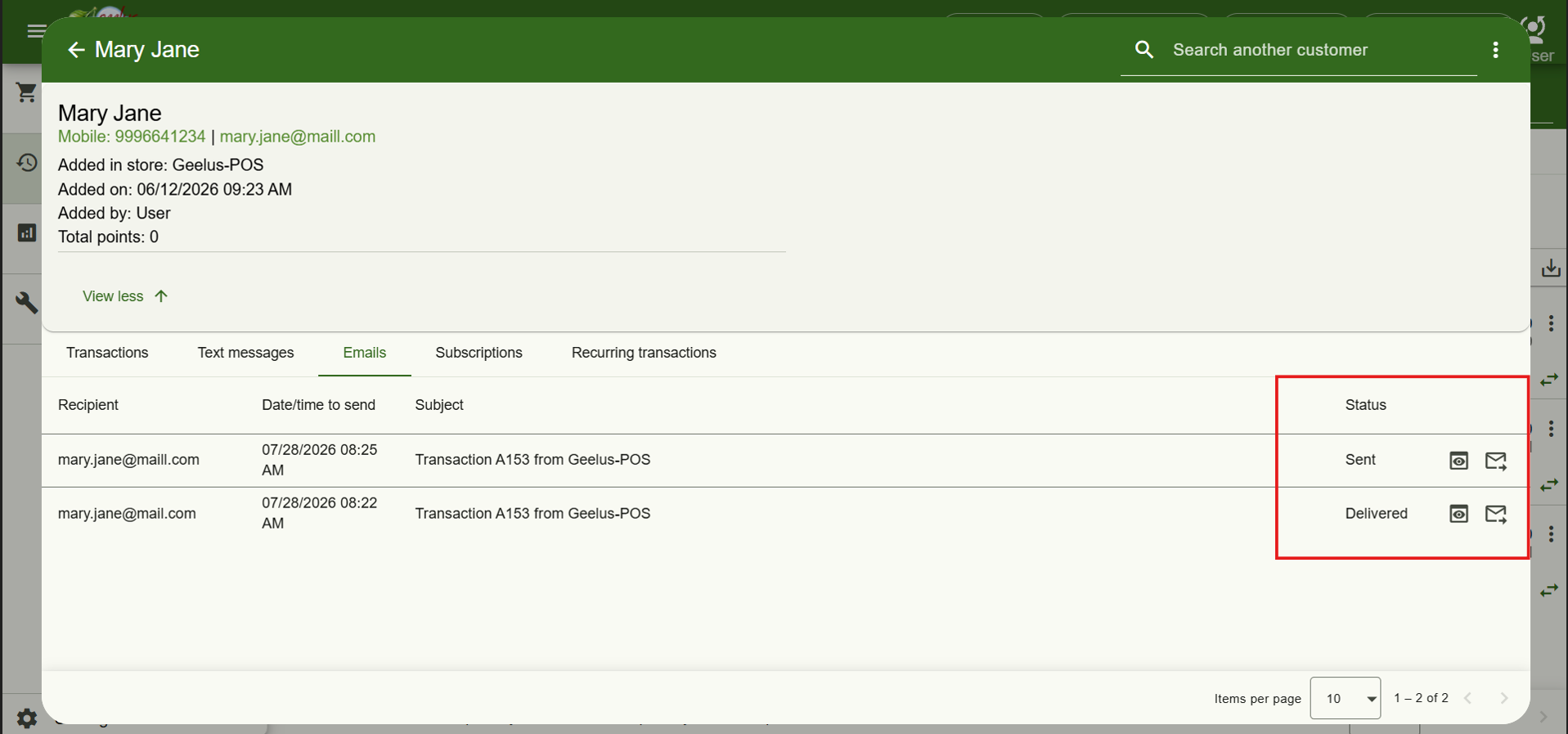
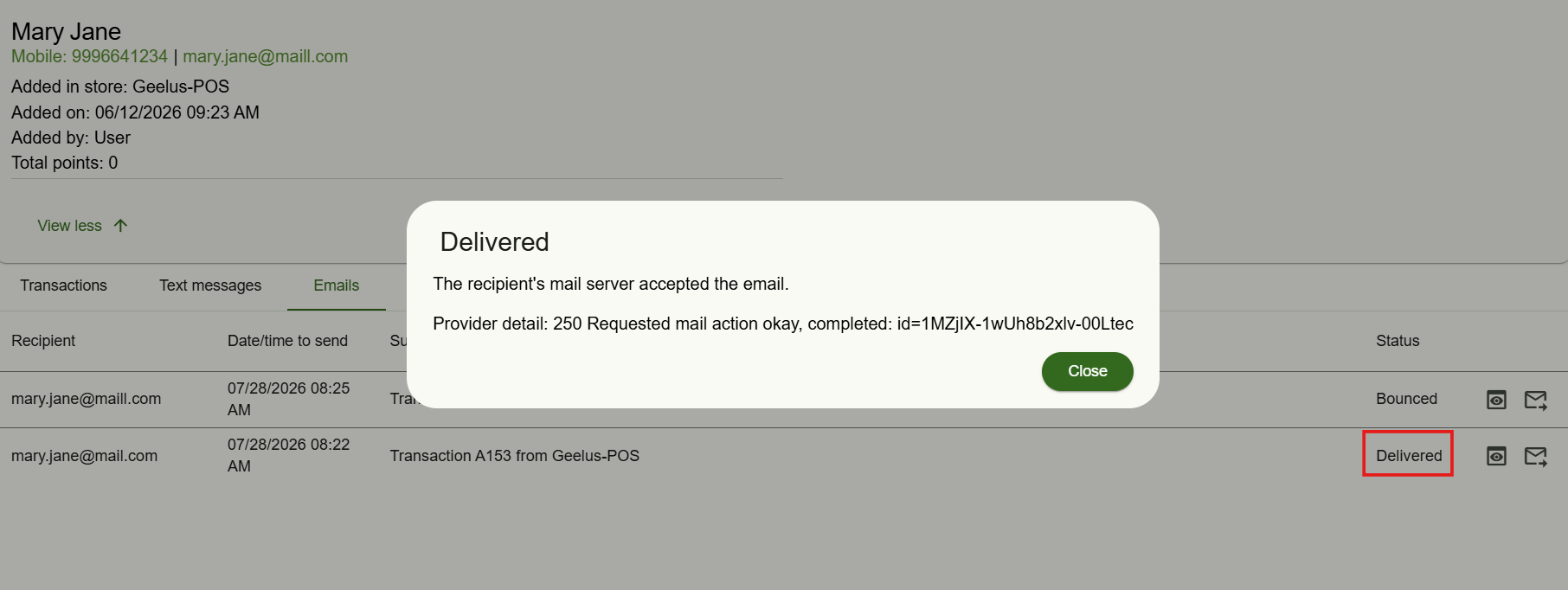
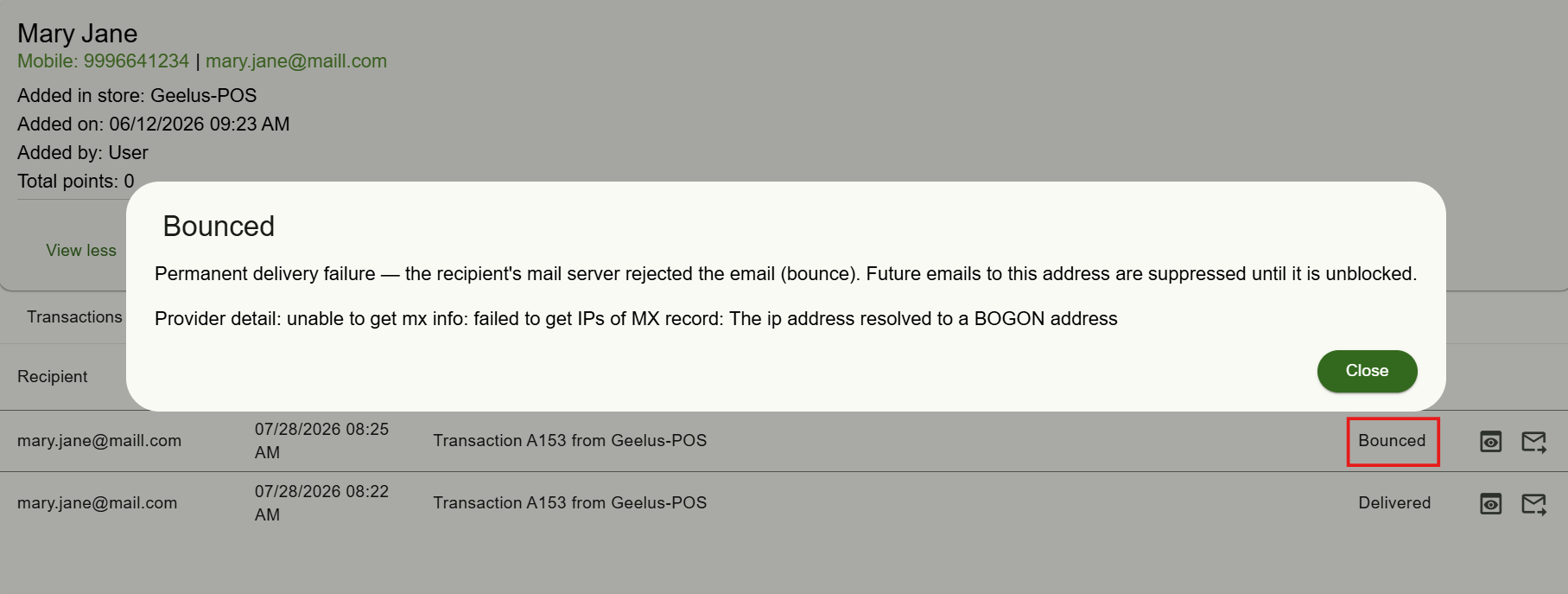
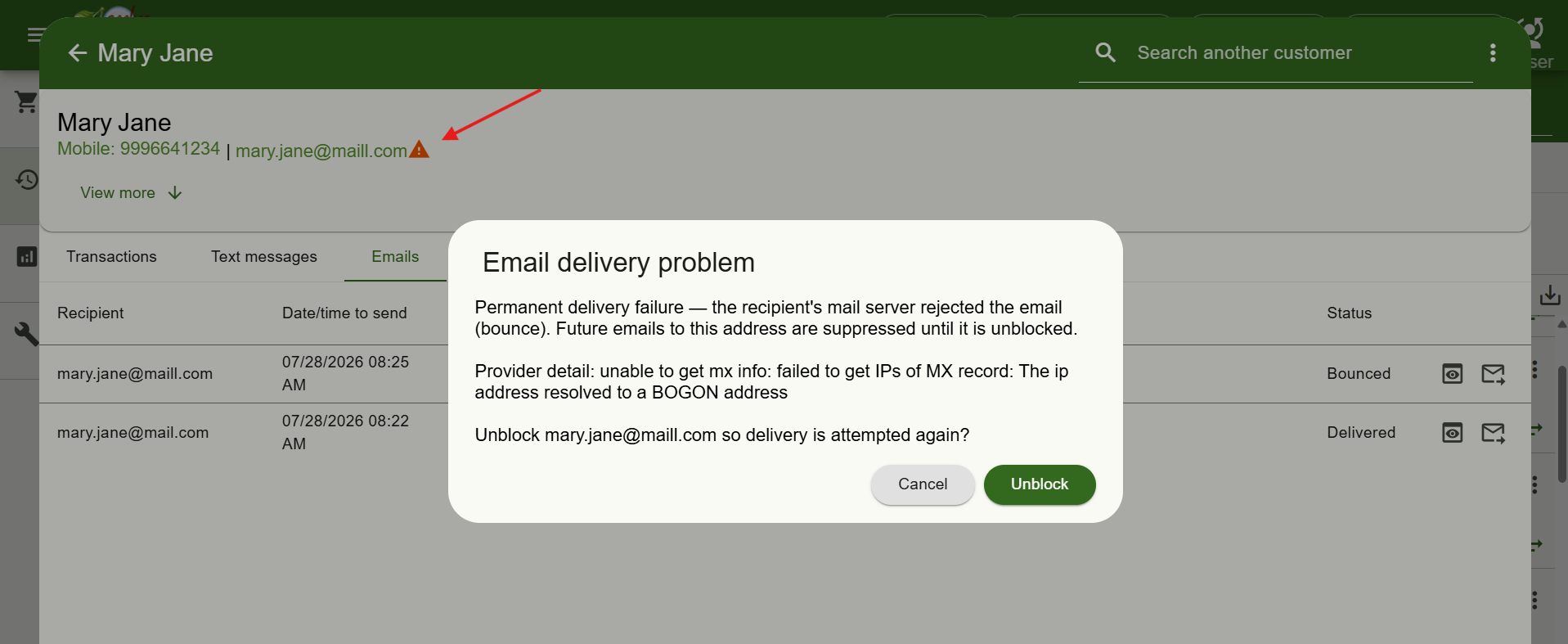
Ever wondered whether a customer actually received their receipt or reminder? Now you can find out. Open any customer’s profile to see every email sent to them and exactly what happened to it — whether it was queued, delivered, opened or bounced. You can resend any email with a single click, and if a customer’s address was blocked after bouncing, you can unblock it yourself so their receipts and reminders start flowing again.

PDF Preview for Sent Emails
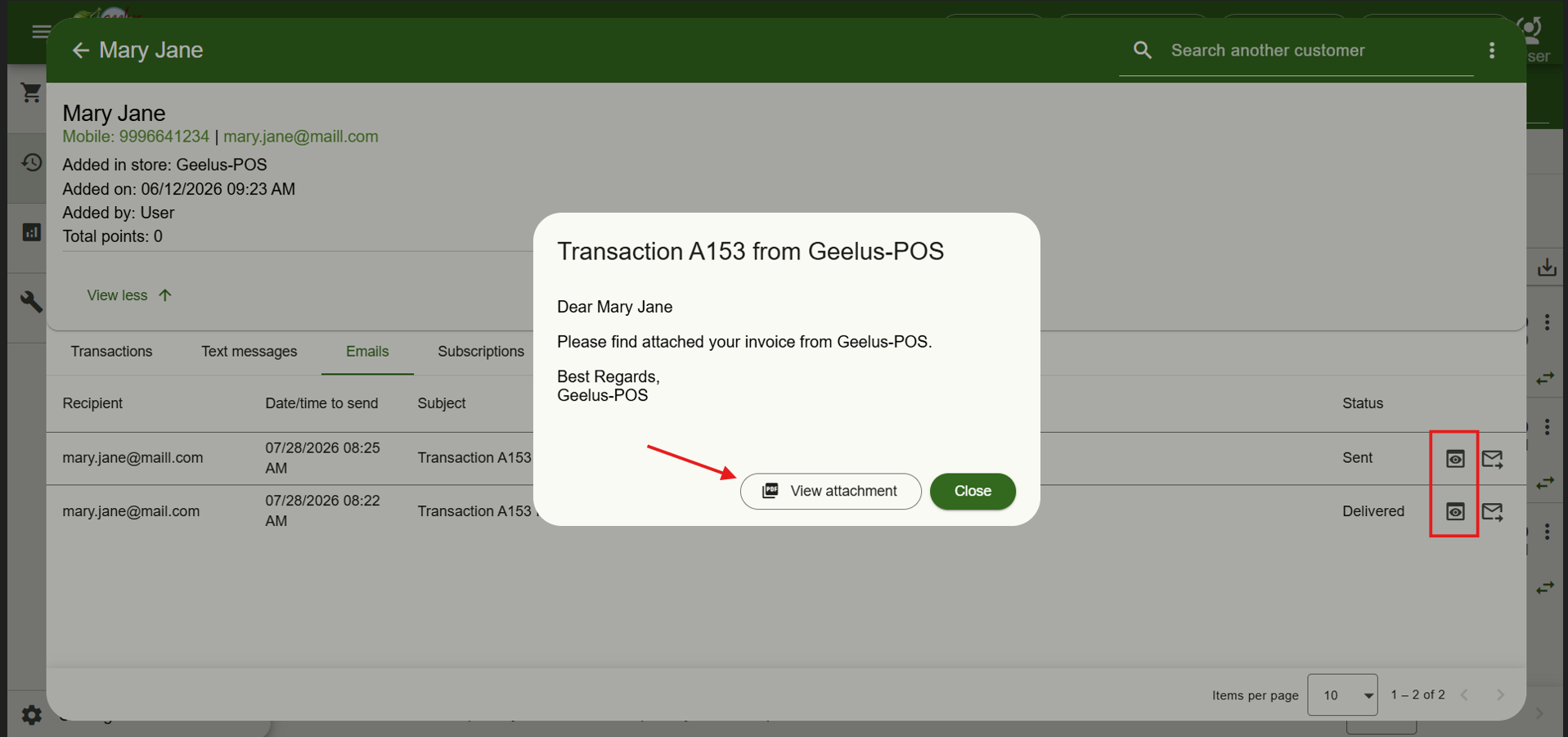
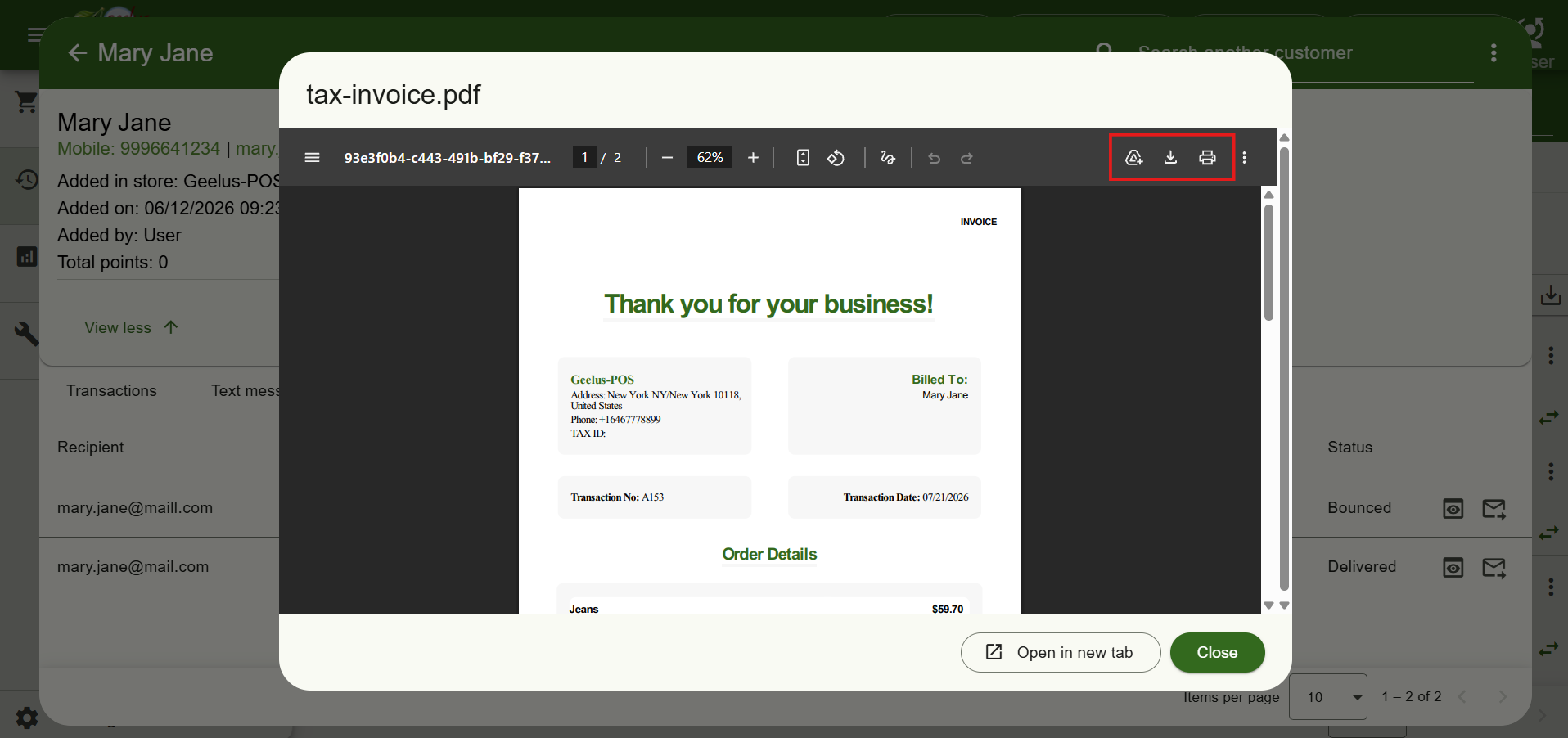
When previewing a sent email, you can now also see the PDF attachment right there — and download it locally whenever you need a copy or print through normal printer.
Employee Data in the API
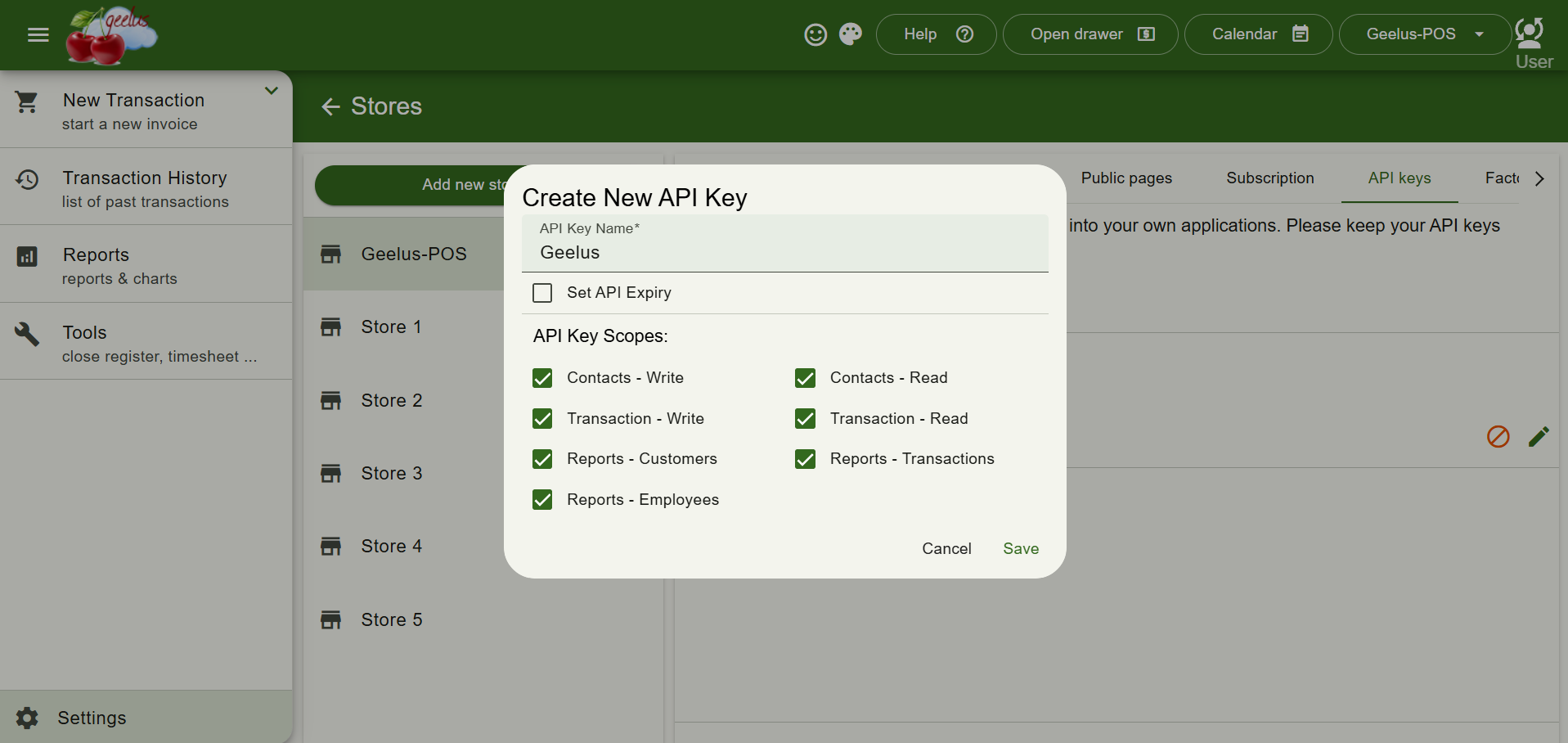
If you connect to other systems, your integrations can now do even more. API keys can now access the employee directory, timesheets and rosters, and even get notified whenever a roster changes. To keep you in control, we’ve added a new “Reports – Employees” access scope in your API key settings, so you decide exactly what each key is allowed to read. API keys can be created under Settings -> Stores -> API keys.
Select Multiple Transactions in Transaction History
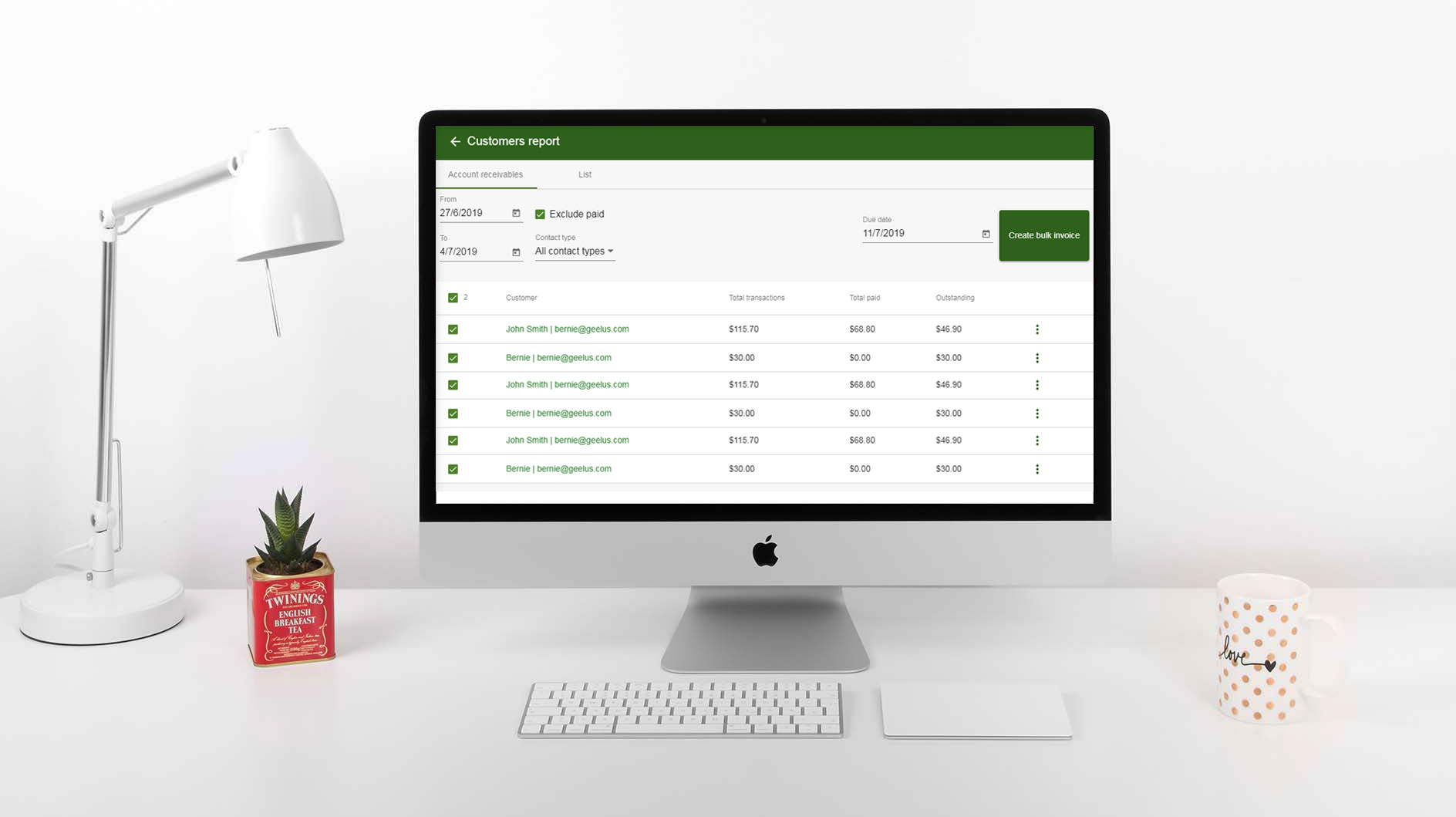
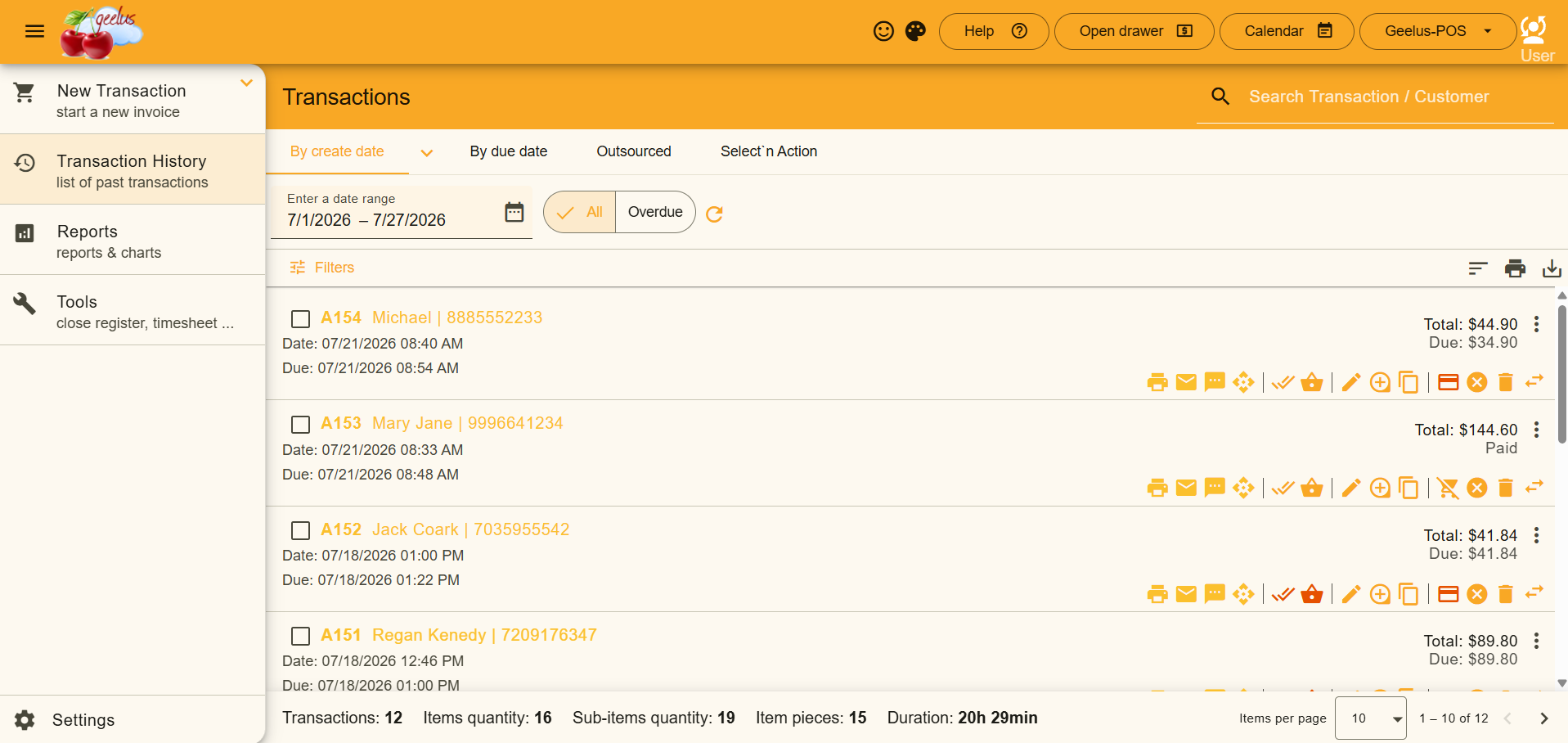
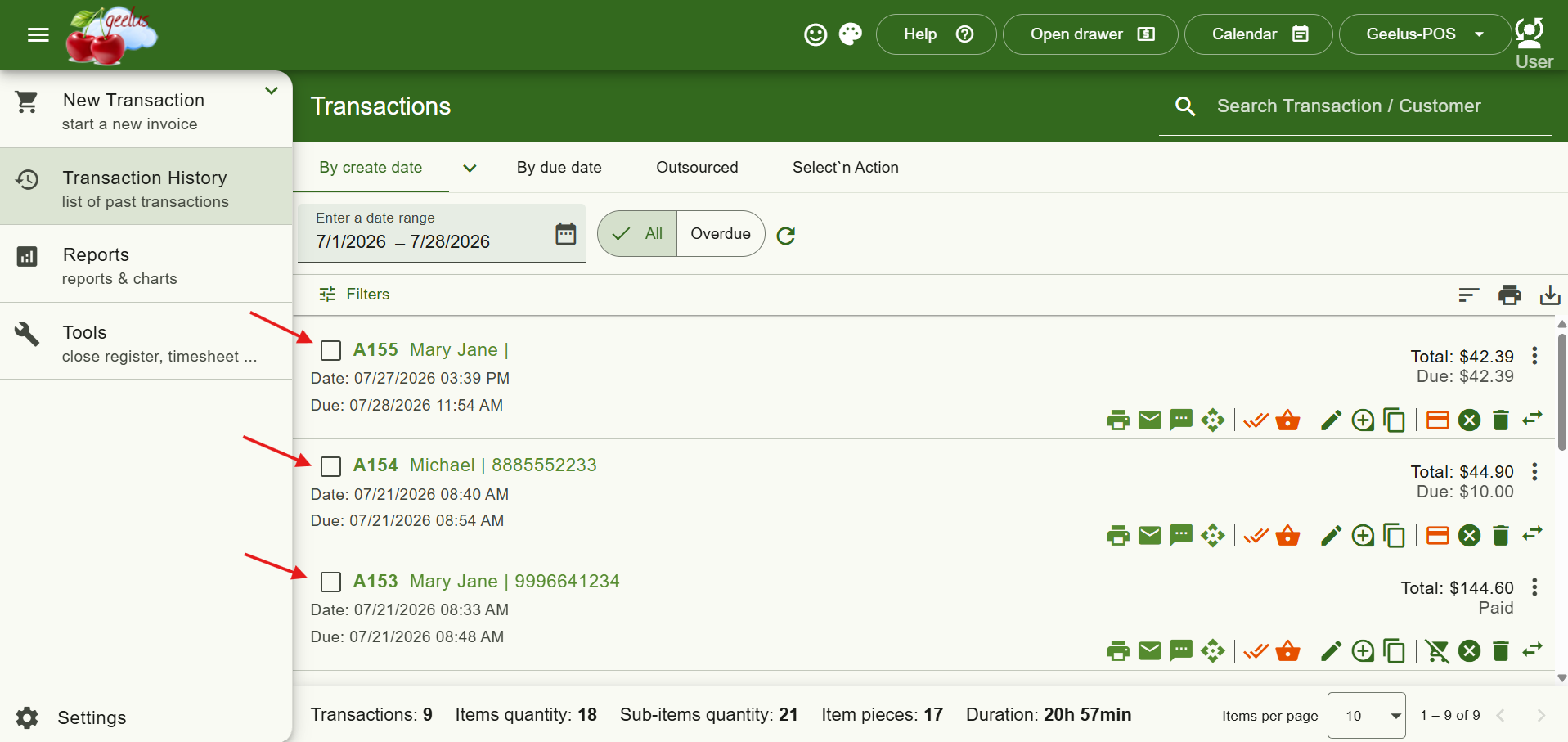
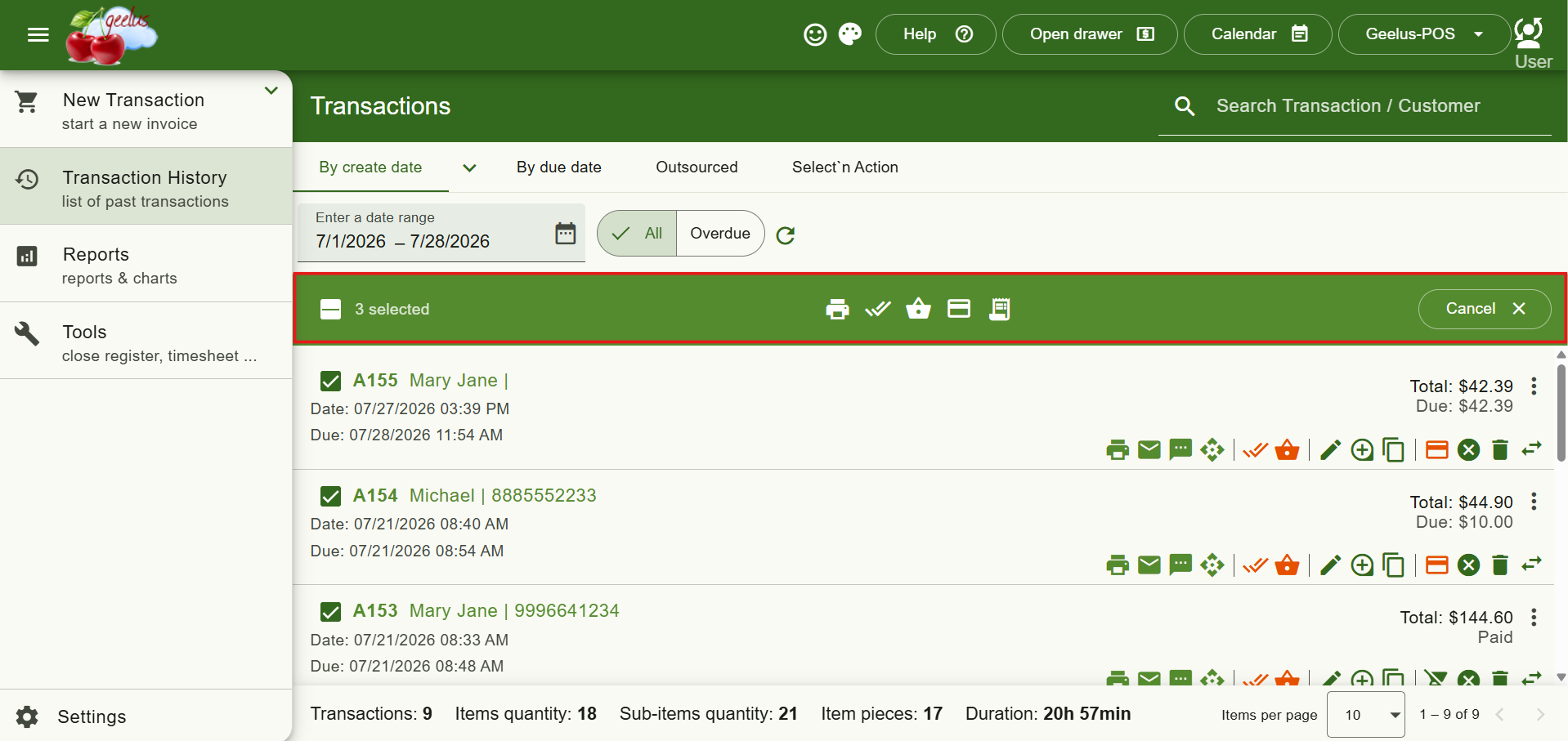
Working through a batch of transactions is now much quicker. Every transaction in Transaction History now has a checkbox next to its number — tick a few (or use the select-all box) and a bar appears with everything you can do to them in one go: print, email, mark as done, mark as collected, take payment and create a bulk invoice. Best of all, your selection stays put after each action, so you can use any batch action without re-selecting.
Running Totals Under Every Transaction List
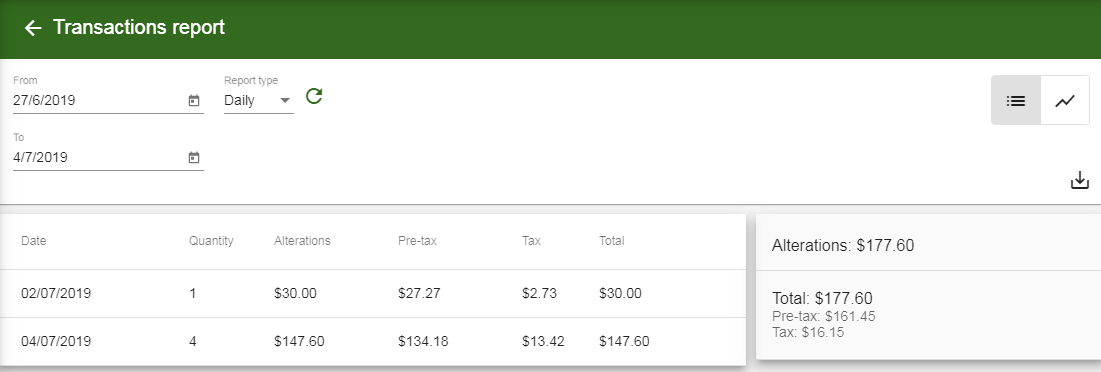
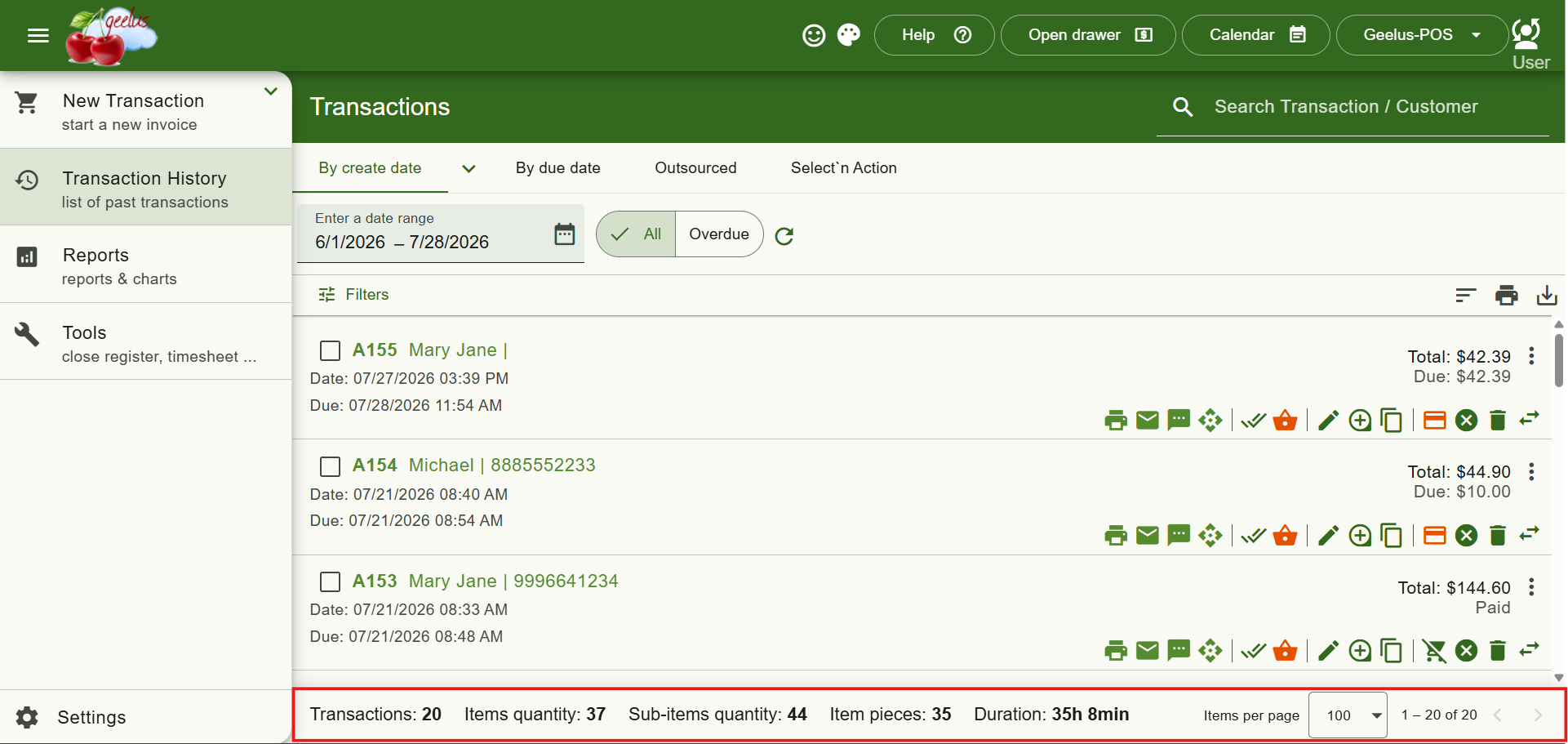
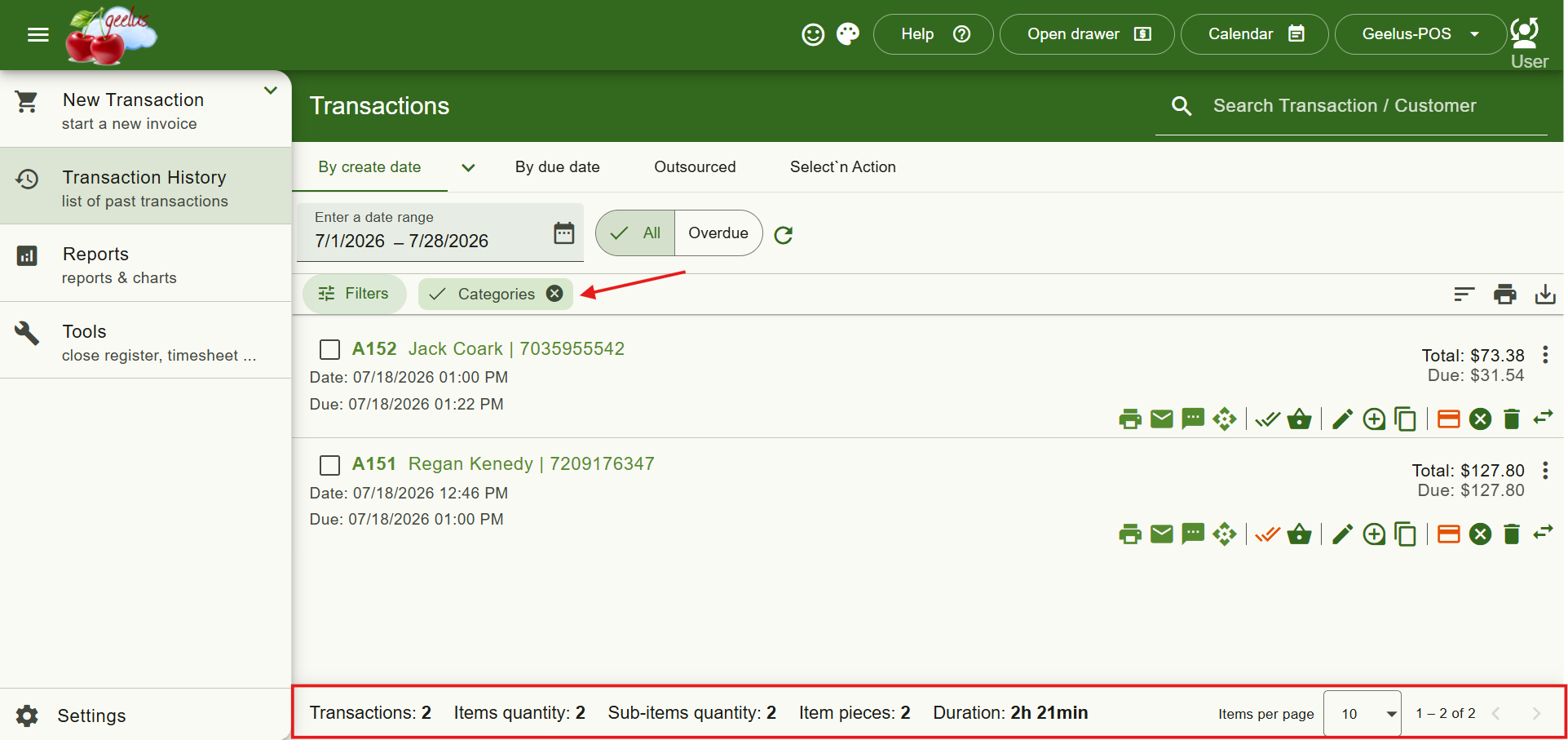
No more manual tallying. The bottom of Transaction History now always shows the numbers for the list you’re looking at — transactions, item quantities, pieces, work duration and total price. These totals follow your filters too, so filtering to a single category instantly shows that category’s totals. (Total price stays hidden for roles that aren’t allowed to see it.)
Faster Transaction Filtering
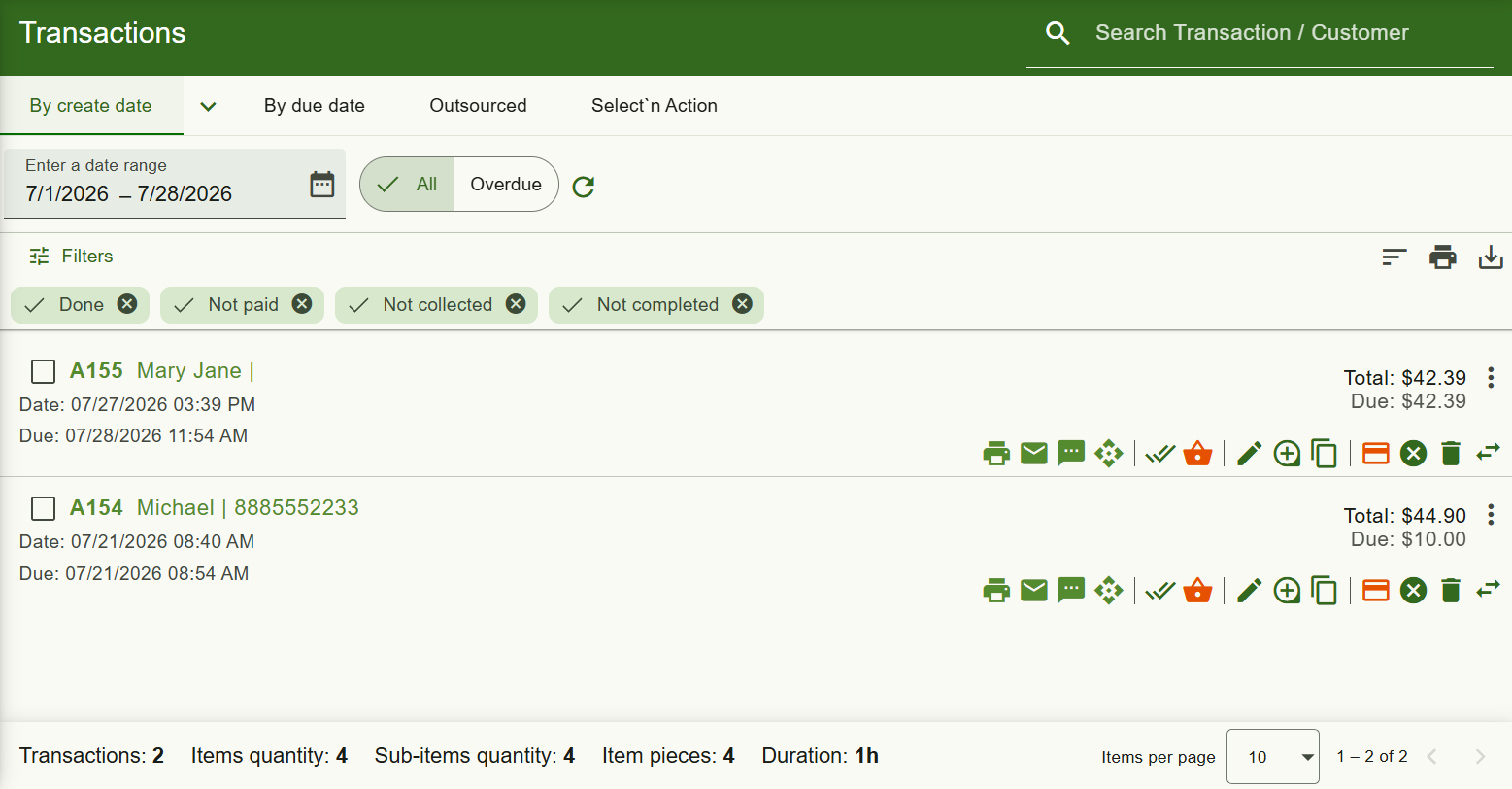
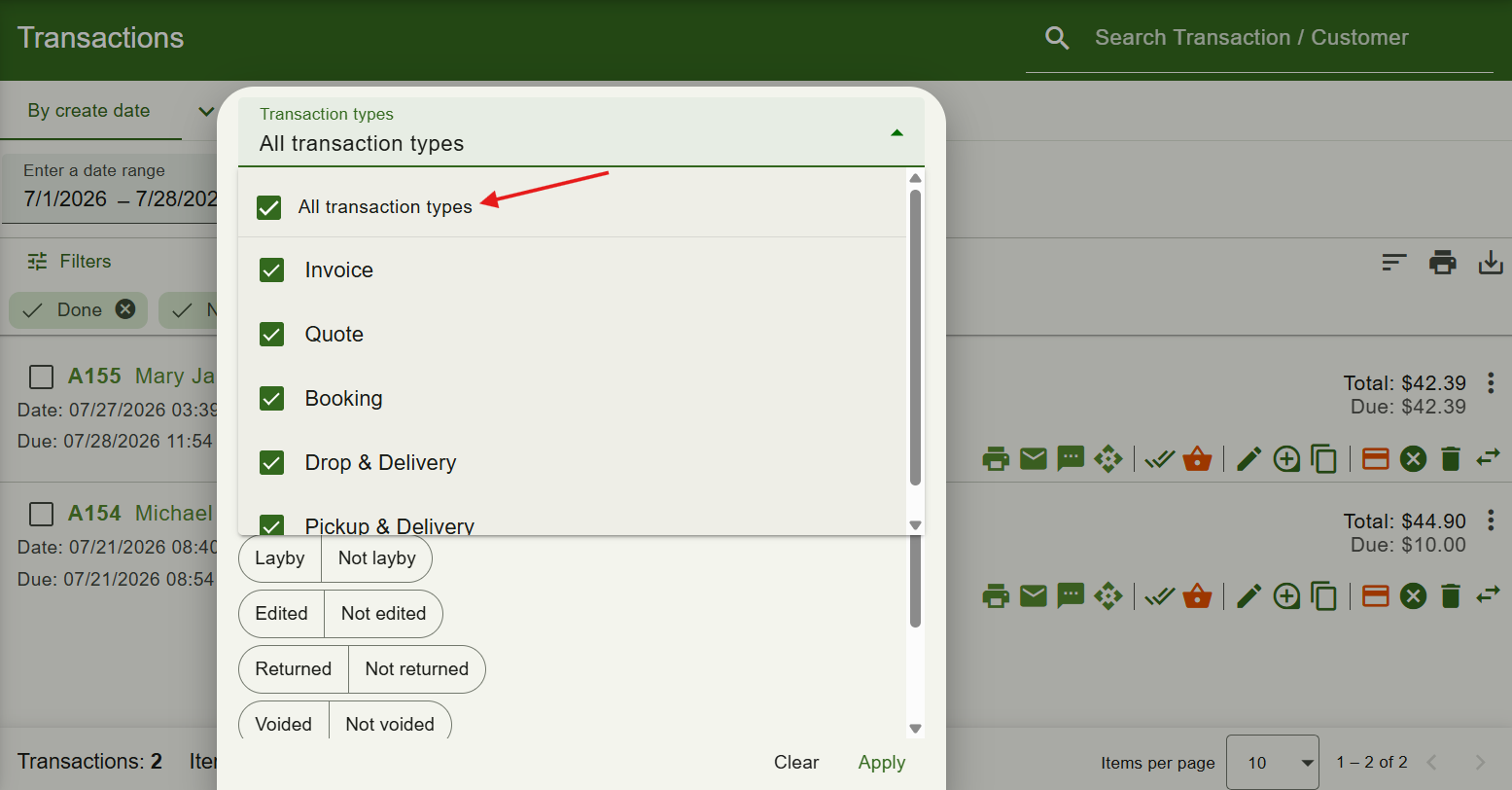
Filtering is now cleaner and quicker. Your filters are just one click away, with active filters shown as removable chips so you always know what’s applied. Print and export now have their own dedicated buttons, and the type and category filters include handy “All transaction types” / “All categories” toggles so you can quickly narrow down to just one or two.
A Faster, More Responsive App
The app is noticeably faster and more responsive, especially on busy screens like the register and reports. We modernized the app’s foundations from the ground up — you’ll feel it as snappier typing, quicker screen changes and smoother scrolling on every device.
Rebuilt Desktop App on a Modern Core
Our desktop app has been rebuilt on a modern core. It starts faster, prints more reliably, and now runs natively on both Intel and Apple Silicon Macs.
Totals on Stacked Report Charts
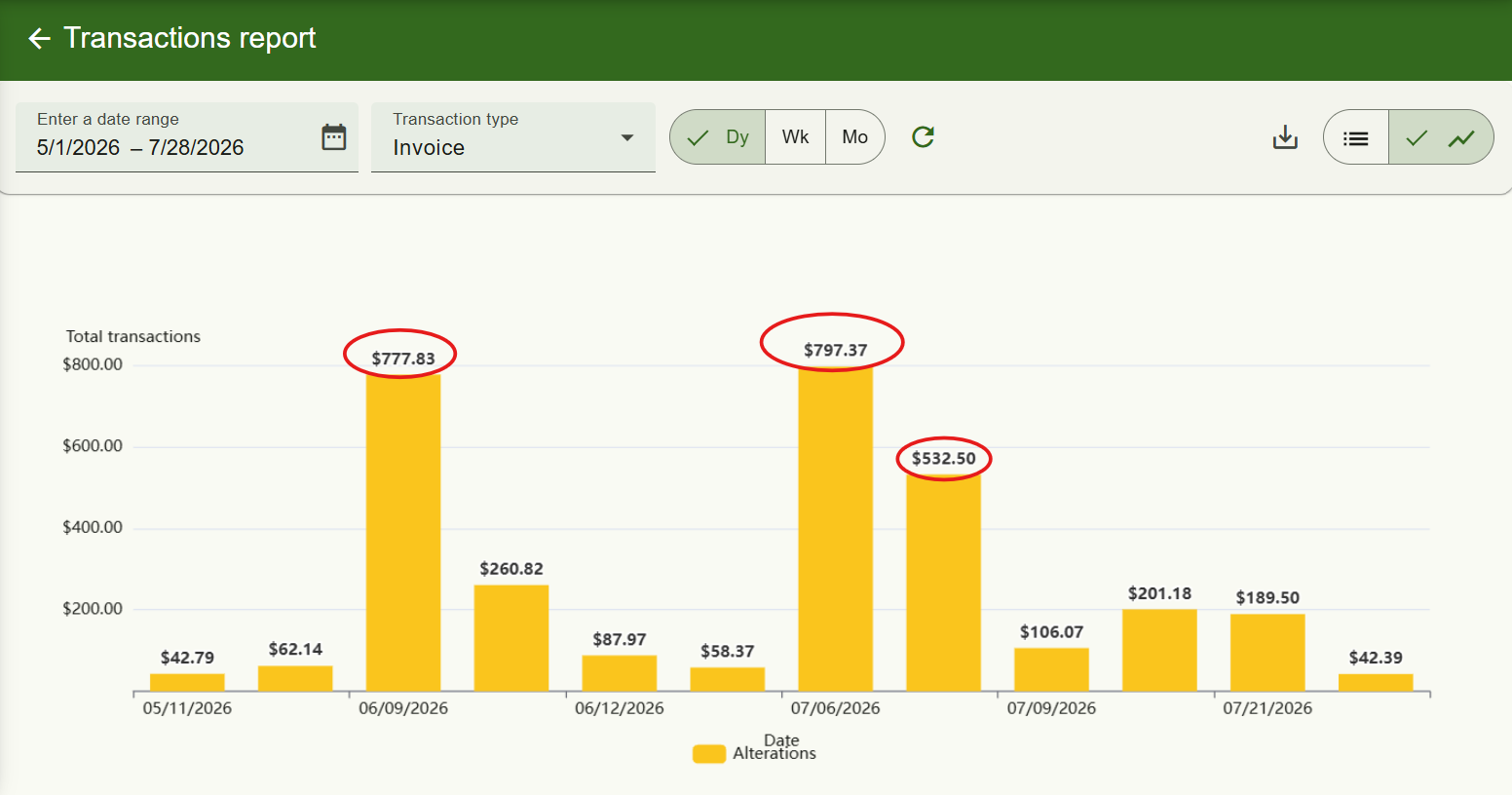
Report charts now display the total on top of each stacked column, so you can read your totals at a glance without any extra clicks.
Multi-Row Drag Arrangement for Features Control
Under Registers → Features control, you now have more layout flexibility. Layouts, Payment methods, Actions and all other features can now be arranged across multiple rows simply by dragging them into place.

Smarter Select-All That Follows Your Filters
Select-all now respects exactly what you’re viewing. When a filter is active, “select all” only selects the transactions you can actually see, and changing filters automatically deselects anything that gets hidden — so a batch action can never accidentally touch transactions outside your filtered view.